

MC Paint
Welcome to MC Paint! For a full explanation of all content, check out the official wiki.
MC Paint is a datapack that lets you create custom paintings in-game. It does this by making use of text displays with a custom font to render coloured text as the pixels of a custom drawing. The datapack is designed to be simple to use, and fully survival-friendly.
 Create your own art gallery!
The pack adds a Studio block, which lets you create paintings. You can also export these as Custom Paintings which you can place anywhere, even on floors and ceilings! There are also many customisation options which lets you decorate in just the right way for you.
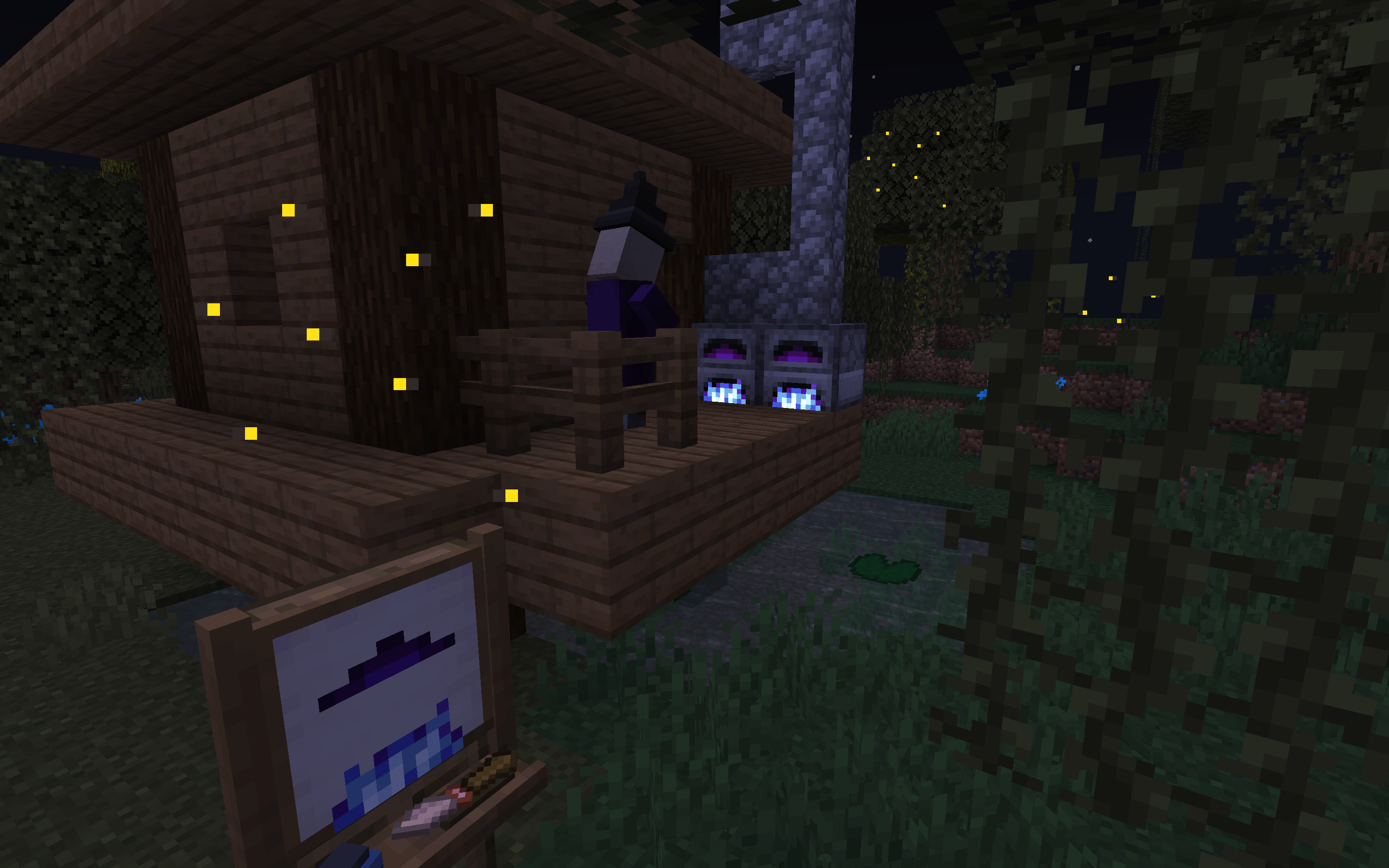 What mysteries unfold in this treacherous swamp?
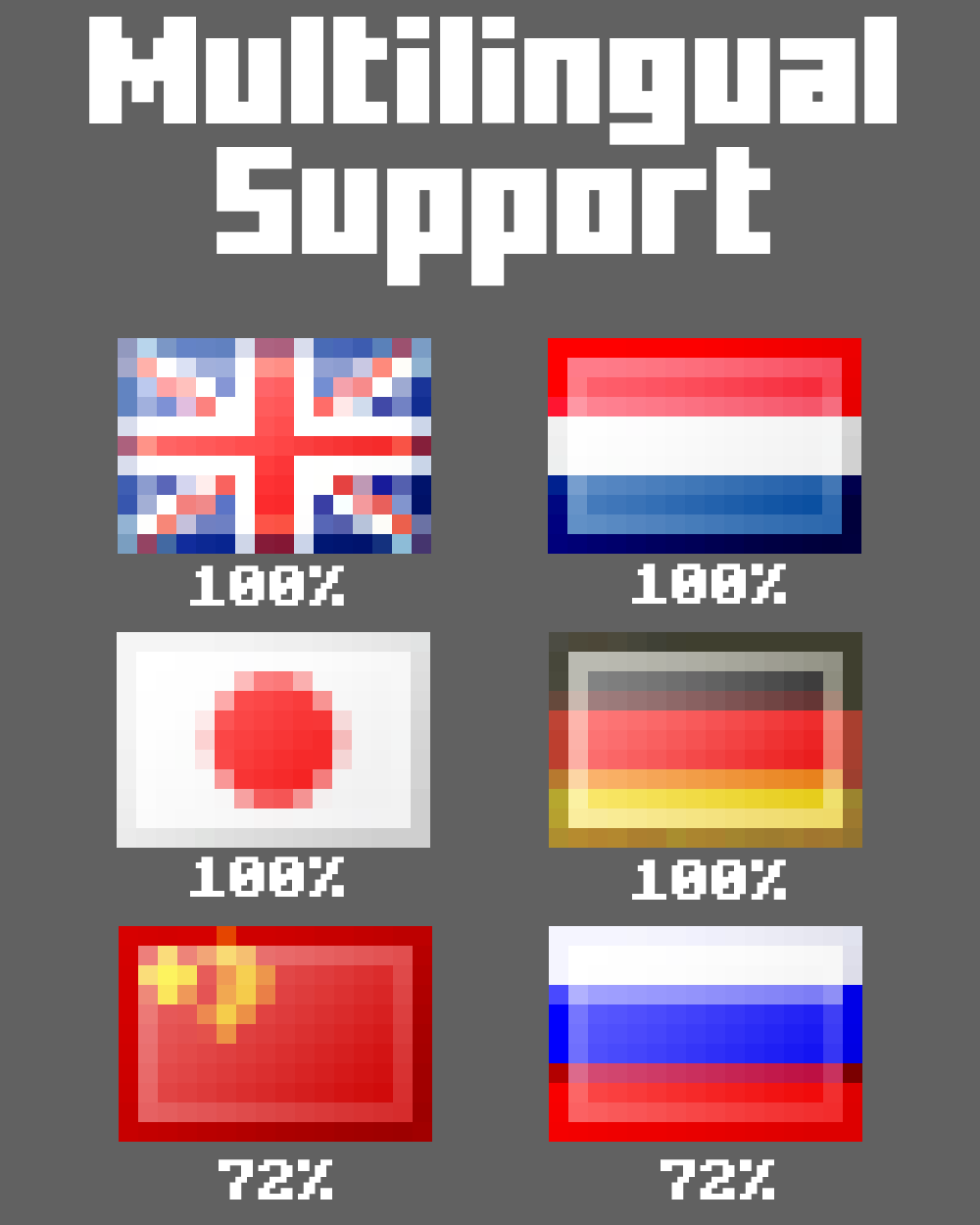 You can use MC Paint in 6 different languages!
FAQ
Where can I find the resource pack on Modrinth?
)
All Versions
+ Add Version


- Updated to Minecraft 26.2
- Fixed a bug where dropping the brush while a different item was in your mainhand would cause that item to be deleted
- Fixed a bug where scheduled events didn't work properly on modded servers with multiverse-mc
- Updated to Minecraft 26.2
- Fixed a bug where dropping the brush while a different item was in your mainhand would cause that item to be deleted
- Fixed a bug where scheduled events didn't work properly on modded servers with multiverse-mc
- Updated to work on MC 1.21.11
- Added the **Easel**! This entity lets you display paintings in style, and can be moved around the world by gravity, water, and minecarts
- Changed the custom painting locking item from tripwire hook to honeycomb and any axe, to be more consistent with vanilla and other datapacks
- Custom paintings can now be washed in a cauldron to recycle them into vanilla paintings
- Updated to work on MC 1.21.11
- Added the **Easel**! This entity lets you display paintings in style, and can be moved around the world by gravity, water, and minecarts
- Changed the custom painting locking item from tripwire hook to honeycomb and any axe, to be more consistent with vanilla and other datapacks
- Custom paintings can now be washed in a cauldron to recycle them into vanilla paintings
- Removed welcome message in chat
- Added MC Paint dialog in pause menu
- Configs & credits now use dialogs rather than chat menus
- Removed welcome message in chat
- Added MC Paint dialog in pause menu
- Configs & credits now use dialogs rather than chat menus
- Updated the pack to work on Minecraft **1.21.4**
- Updated datafixer to automatically convert data from MC Paint 1.4
- Custom paintings** have a new item model, thanks to the item model changes in 1.21.4. They now **show their content in the item icon**.
- Added a client setting to disable the welcome message that is shown when interacting with a studio or painting for the first time after joining the world
- Updated the pack to work on Minecraft **1.21.4**
- Updated datafixer to automatically convert data from MC Paint 1.4
- Custom paintings** have a new item model, thanks to the item model changes in 1.21.4. They now **show their content in the item icon**.
- Added a client setting to disable the welcome message that is shown when interacting with a studio or painting for the first time after joining the world
Changes:
- Updated to Minecraft 1.21.2
- Added a datafixer to automatically upgrade outdated items and entities
- Studio UI elements no longer render through blocks, as this caused too many issues
- Items added by MC Paint now have a fancy custom tooltip style
- (re)added an option for Custom Paintings to change their view range
Changes:
- Updated to Minecraft 1.21.2
- Added a datafixer to automatically upgrade outdated items and entities
- Studio UI elements no longer render through blocks, as this caused too many issues
- Items added by MC Paint now have a fancy custom tooltip style
- (re)added an option for Custom Paintings to change their view range
- Added German translations courtesy of Atten007
- Updated Japanese translations courtesy of Sataken
- Fixed an issue relating to creating a new file while someone else is painting
- Added a sound when using the Eyedropper
- The three UI windows surrounding the Studio will now show through blocks when holding the Brush. Since Text Display rendering in Minecraft is kinda buggy, this may get reverted if it causes issues.
- Added German translations courtesy of Atten007
- Updated Japanese translations courtesy of Sataken
- Fixed an issue relating to creating a new file while someone else is painting
- Added a sound when using the Eyedropper
- The three UI windows surrounding the Studio will now show through blocks when holding the Brush. Since Text Display rendering in Minecraft is kinda buggy, this may get reverted if it causes issues.
- Added Paint Buckets
- Added Custom Painting modifiers:
- roll (Compass)
- transparency (Ice)
- Added languages:
- Dutch
- Russian
- Added a setting to disable messages in chat when creating a Studio
- Added an uninstall command:
/function mcpaint:_/uninstall - Added several new advancements
Fixes
- Maybe fixed a bug that caused filenames to not get validated properly on Realms (though it hasn't been tested if this was actually fixed)
- Added Paint Buckets
- Added Custom Painting modifiers:
- roll (Compass)
- transparency (Ice)
- Added languages:
- Dutch
- Russian
- Added a setting to disable messages in chat when creating a Studio
- Added an uninstall command:
/function mcpaint:_/uninstall - Added several new advancements
Fixes
- Maybe fixed a bug that caused filenames to not get validated properly on Realms (though it hasn't been tested if this was actually fixed)
There are no changes to the resource pack.
Changes:
- Added importing & exporting options in the Studio
- Added server setting for disabling importing
- Settings can now be reset to their default values
- Revamped the Image Converter site
- Some bug fixes
- Updated to Minecraft 1.21
- Added Chinese translations
- Added credits:
/trigger mcpaint.credits
- Important for people who played with the previous version of MC Paint:** This new version completely overhauls all data & entity formats, and is therefore not compatible with old paintings! If you wish to carry over your paintings, you can prepare by encoding them into a code in the old version. The ability to decode paintings is currently missing, but will be reintroduced in a later version.
- Updated the pack to 1.20.6
- Completely overhauled Studio UI
- The colour picker is now HSV! Yay!
- Added many more popups to prevent accidentally overwriting files
- Removed Computer
- Its functionality has partially been integrated into the Studio. The rest (importing & exporting codes) will follow in a future update.
- Removed experimental Pro Brush
- Replaced with the Brush, which you get for free with every Studio
- Optimised text format
- Added axis shading to painting ink
- Added many new painting modifiers, and removed some
- Added 2 new types of backgrounds, axis shading, showing name & lore, lock, billboard
- Removed long view range (this may get re-added later)
Changes compared to 0.6:
- Added computer for deleting files, importing & exporting paintings as base64
- New guide advancements
- Adventure mode players cannot interact with paintings anymore
- Realms support
- Configurable options
- Chinese, French & Russian translations
- Optimisations


