
Description
Gallery
Changelog
Versions





How to manually edit height
Sodium 1.21.5 Installation Tutorial
How to Install Story Mode Clouds (Resourcepack)
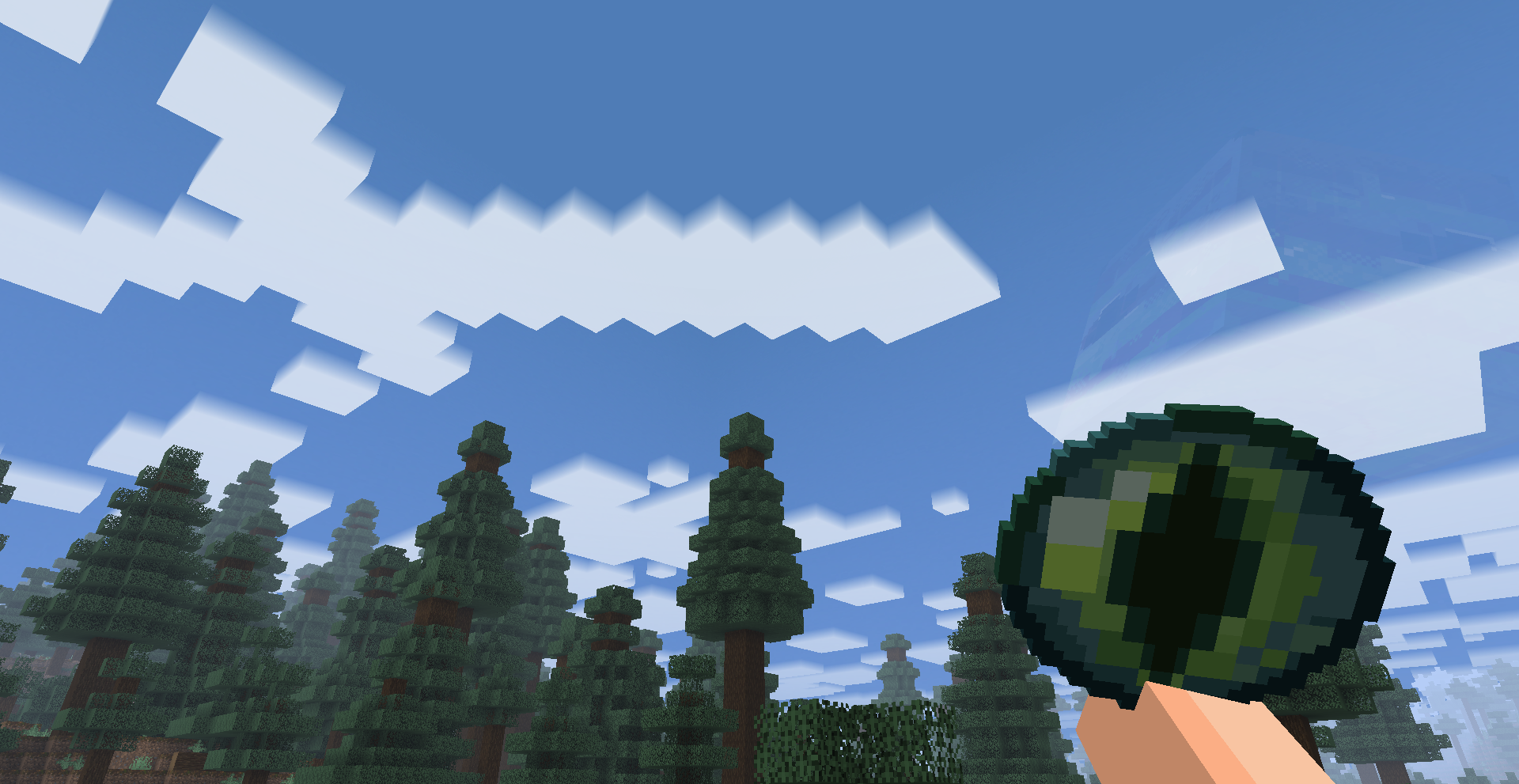
Story Mode Clouds by tixul is verified for Minecraft across Minecraft versions 1.21.10, 1.21.11, 1.21.2, 1.21.3, 1.21.4, 1.21.5, 1.21.6, 1.21.7 (latest release: 1.4, file size: 129 KB). Follow the steps below to install it safely from ModCraft.tv:
- Click the Download button above and select your Minecraft version (1.21.10, 1.21.11, 1.21.2, 1.21.3, 1.21.4, 1.21.5, 1.21.6, 1.21.7) and platform (Minecraft).
- Make sure you have the compatible loader or environment installed for Minecraft.
- Move the downloaded Story Mode Clouds file into your Minecraft
.minecraft/resourcepacksfolder and launch the game.


### Changes :
Found a bug or got a suggestion? Tell me in the [Discord](https://discord.com/invite/TWfQPwGmH3)!
- Added Respackopts customizability option. Currently limited to cloud height. More options may or may not be added. This is a bit bugged on 1.21.5 though, it may require a full restart of your game.
- New pack description
- Supported 1.21.3
Found a bug or got a suggestion? Tell me in the [Discord](https://discord.com/invite/TWfQPwGmH3)!
- Added cloud gradient switching when you are above them.
- Fixed 1.21.5 fog.
[1.0.1] 1.0.1
by tixul on Oct 13, 2026
Download
Now works on mac devices.
Pack won't do the resource reload failed anymore.
## Have a suggestion or found a bug? Tell me in the [Discord server!](https://discord.gg/TWfQPwGmH3)
[1.0-1.21.6+] 1.0
by tixul on Oct 13, 2026
Download
Initial release


