
# ⭐ EternalCore 2.0 – What’s New
A big update with smoother UX, cleaner config structure, better performance and a bunch of new commands.
Below is a clear overview of what changed - with visual previews where it makes sense.
---
# ✨ Improvements & New Features
## Documentation & General Improvements
- All libraries updated to their latest versions.
- Full support confirmed for **Minecraft 1.21.11**.
- Documentation redesigned to be easier to browse.
- Placeholders and permissions now have their own dedicated pages:
**Placeholders**
[View Documentation](https://eternalcode.pl/docs/eternalcore/placeholders)
**Permissions**
[View Documentation](https://eternalcode.pl/docs/eternalcore/commands-and-permissions)
---
## AdminChat
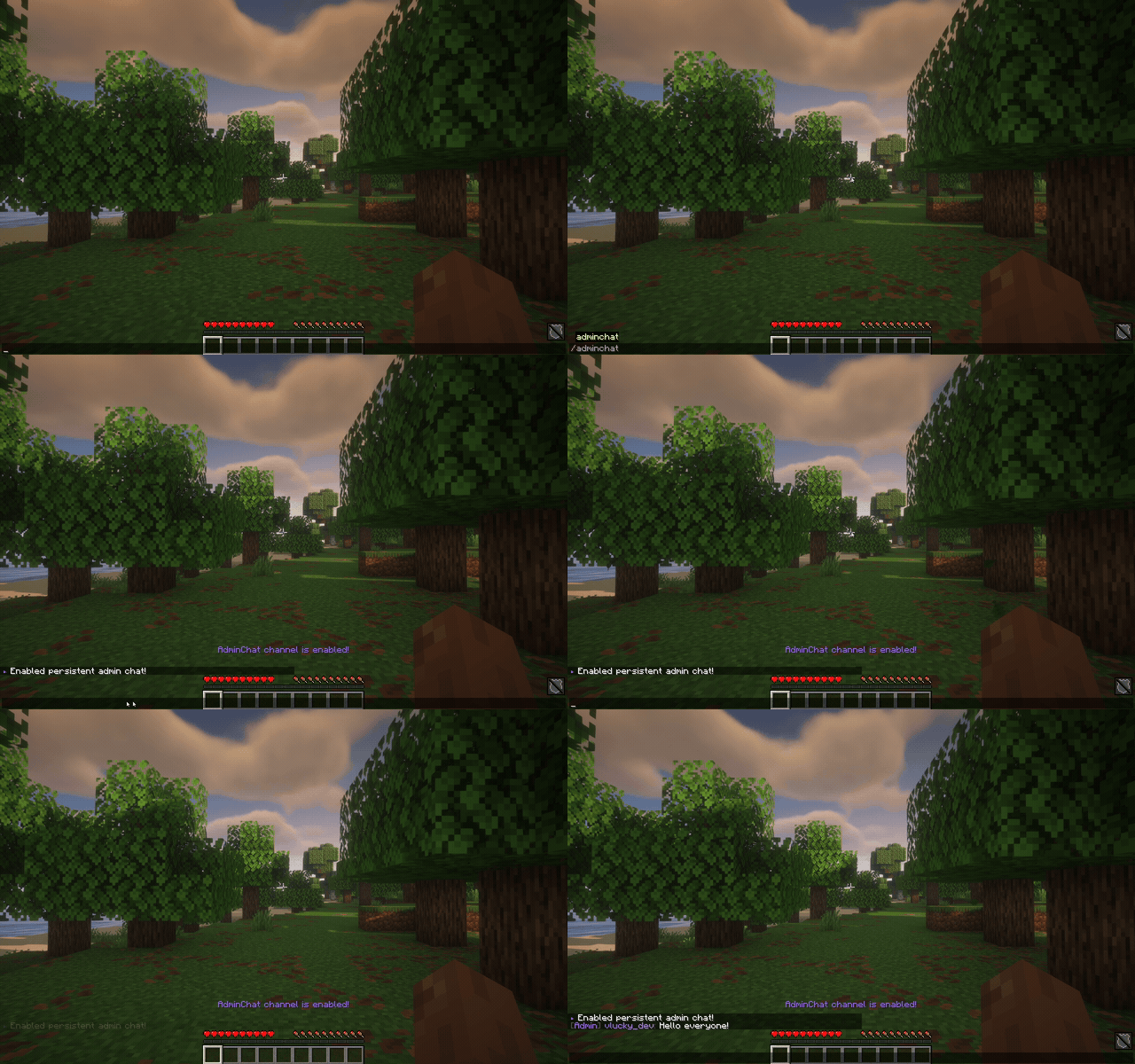
Direct channel mode is now supported.
Enable it with `/adminchat`, or use `/adminchat <message>` for one-off messages.
---
## Vanish System
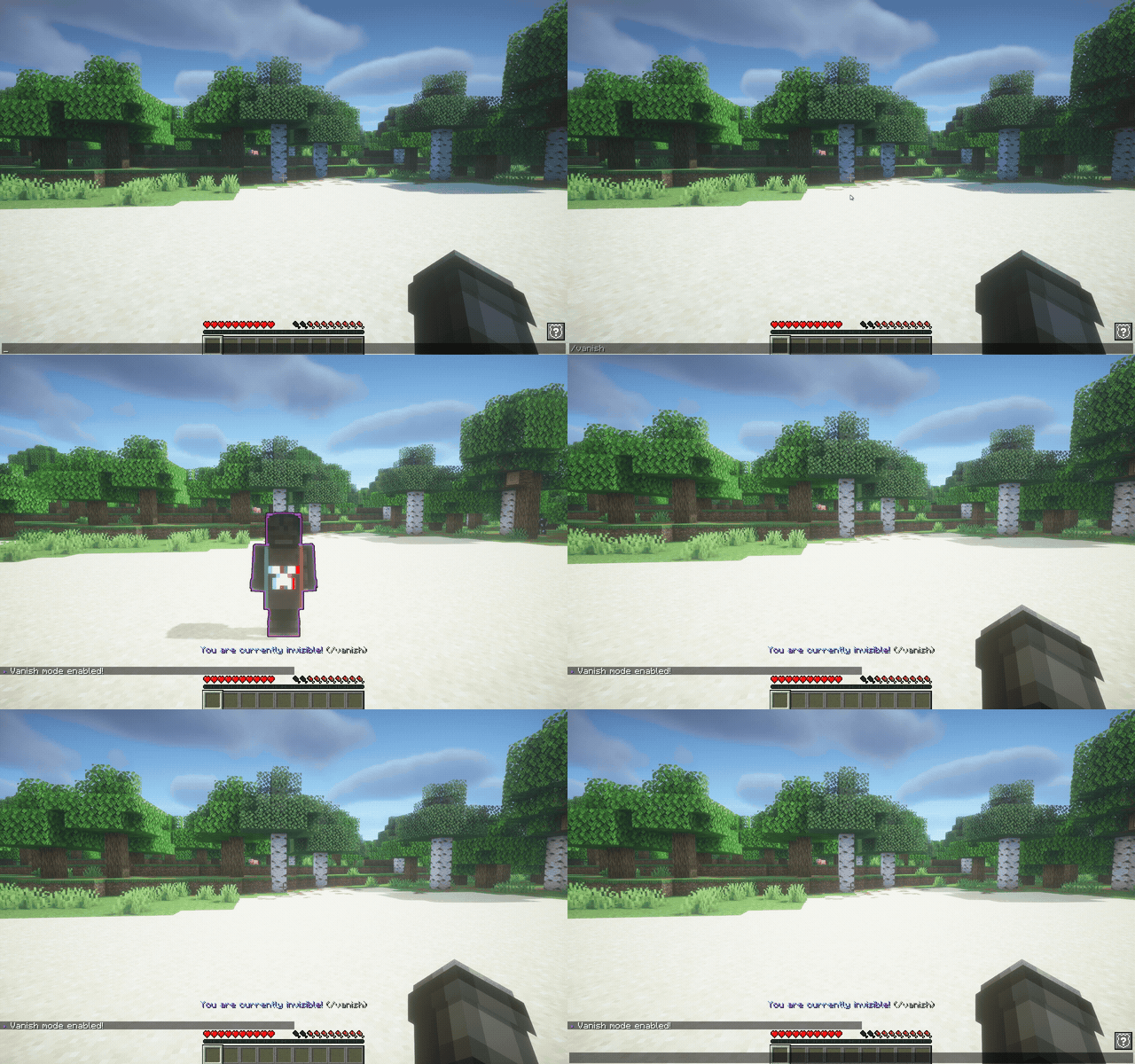
A new vanish feature with a lot of customization options.
- silent join
- godmode
- night vision
- silent inventory access
- glow color
- block item drop / pickup
- block hunger loss
- block chat
- block block-placing
---
## MOTD
Cleaner and easier to configure.
Default layout looks much nicer out of the box.

---
## Playtime Command
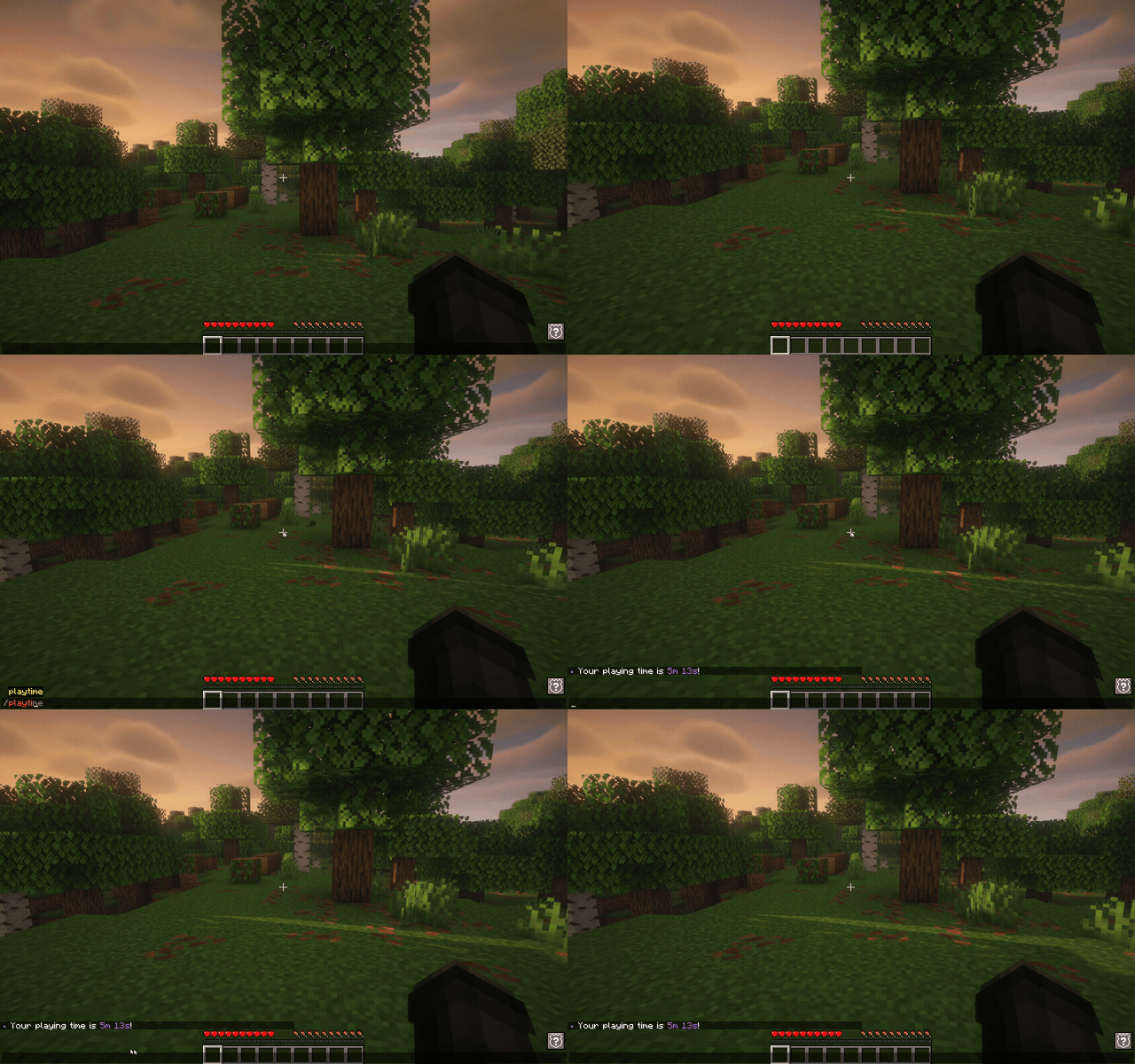
We added `/playtime` to check a player’s total time played.
---
# 🔥 Fun Commands
Below are the new player-interaction and visual-effect commands.
Each one has a short demo:
<details>
<summary><strong>/elderguardian <player></strong></summary>
<img src="https://eternalcode.pl/docs/eternalcore/elderguardian.gif" alt="/elderguardian command demo" />
</details>
<details>
<summary><strong>/demoscreen <player></strong></summary>
<img src="https://eternalcode.pl/docs/eternalcore/demoscreen.gif" alt="/demoscreen command demo" />
</details>
<details>
<summary><strong>/lightning <player></strong></summary>
<img src="https://eternalcode.pl/docs/eternalcore/lightning.gif" alt="/lightning command demo" />
</details>
<details>
<summary><strong>/burn <player></strong></summary>
<img src="https://eternalcode.pl/docs/eternalcore/burn.gif" alt="/burn command demo" />
</details>
<details>
<summary><strong>/fireball <player></strong></summary>
<img src="https://eternalcode.pl/docs/eternalcore/fireball.gif" alt="/fireball command demo" />
</details>
<details>
<summary><strong>/endscreen <player></strong></summary>
<img src="https://eternalcode.pl/docs/eternalcore/endscreen.gif" alt="/endscreen command demo" />
</details>
---
# 🧩 Other Notable Changes
- Added **Custom Commands** (`/help`, `/discord`, `/store`, `/vote`, `/rules`, `/map`) - fully configurable in `custom-commands.yml`.
- Added **Folia support**.
- `/heal` now restores oxygen and supports custom health values.
- Added an option to clear *only negative* potion effects via `/heal`.
- Added full **PostgreSQL** support.
- Added a teleport timer to `/back`.
- Added "teleport here all" and "teleport here ask" functionality.
- Full internal **database layer refactor**.
- `/tprp` can now be limited with `minY` and `maxY` in `config.yml`.
- Default repair time increased to **1 minute 30 seconds**.
- All configuration sections moved into separate classes for clarity.
- Removed the **catboy** config (was unused).
- Removed the old Tellraw queue system - replaced by a cleaner and more reliable solution.
- A lot of internal code changes for better readability and maintainability in the future.
- `/homeadmin` now fully supports **offline players**.
- Added **permission-based chat cooldowns** (e.g. player: 5s, VIP: 3s, MVIP: 1s).
- Moved `/warp` inventory item definitions to a separate `warps.yml` file.
---
# 🐛 Fixes
- Missing permissions for gamemode shortcuts (`/gmc`, `/gms`, `/gmsp`) fixed.
- Duplicate message in `/enchant` resolved.
- `/tprp` no longer teleports you to the same player twice.
- Corrected permission for `homeadmin` → `eternalcore.home.admin`.
- Fixed GitHub API rate-limit warning in the update notifier.
- Fixed several minor **performance** and **security** issues.
---
Developer information
Projects on Modrinth are automatically available through a Maven repository for use with JVM build tools such as Gradle.
maven { name = "Modrinth"; url = "https://api.modrinth.com/maven" }


