
# SkyBlock Enhanced 2.0
## ⚠️ Important Warning!
> **It is highly recommended to install a fresh, separate instance instead of updating your current installation.**
>
> This update brings major improvements to the default configs, so a fresh install lets you take full advantage of them. Additionally, the automatic config applying may misbehave when updating. While it has safeguards in place, it may overwrite your current configs.
>
> **If you choose to update:** Back up your configs!
---
## 🎉 What's New
After almost a 2-month delay, **SkyBlock Enhanced 2.0** is finally here! This massive update has been in the works for over 2 months, with one clear goal: making SkyBlock Enhanced the best choice for both new and experienced players who want a hassle-free modded SkyBlock setup.
## So what's new?
### PackCore 3.0 Integration
This update brings **PackCore 3.0**, introducing powerful new features that make SkyBlock Enhanced easier to use and customize than ever before:
- **Automatic Config Detection** – No more pre-launch dialogs! PackCore now automatically selects the best config for your screen resolution on first launch
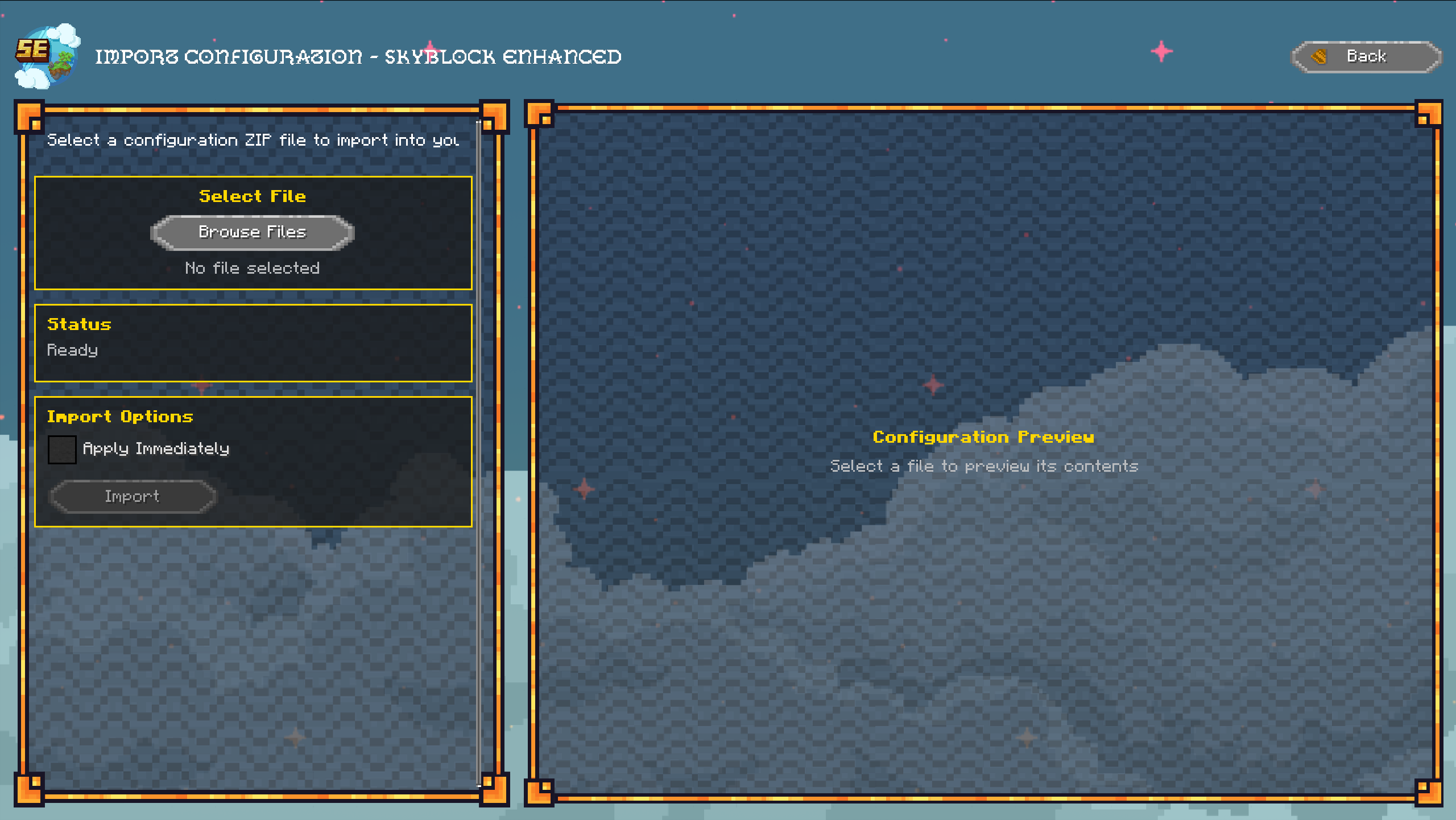
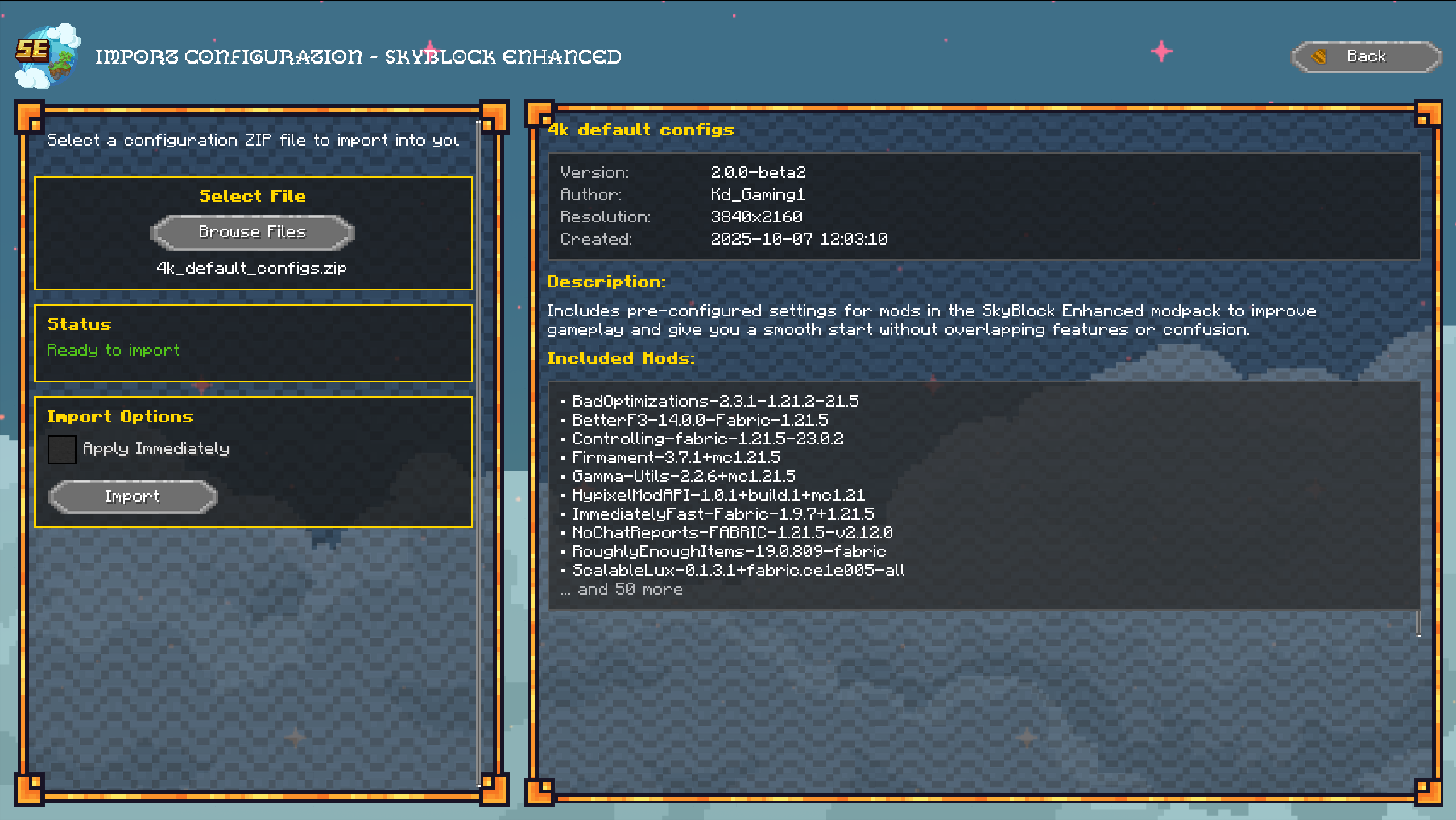
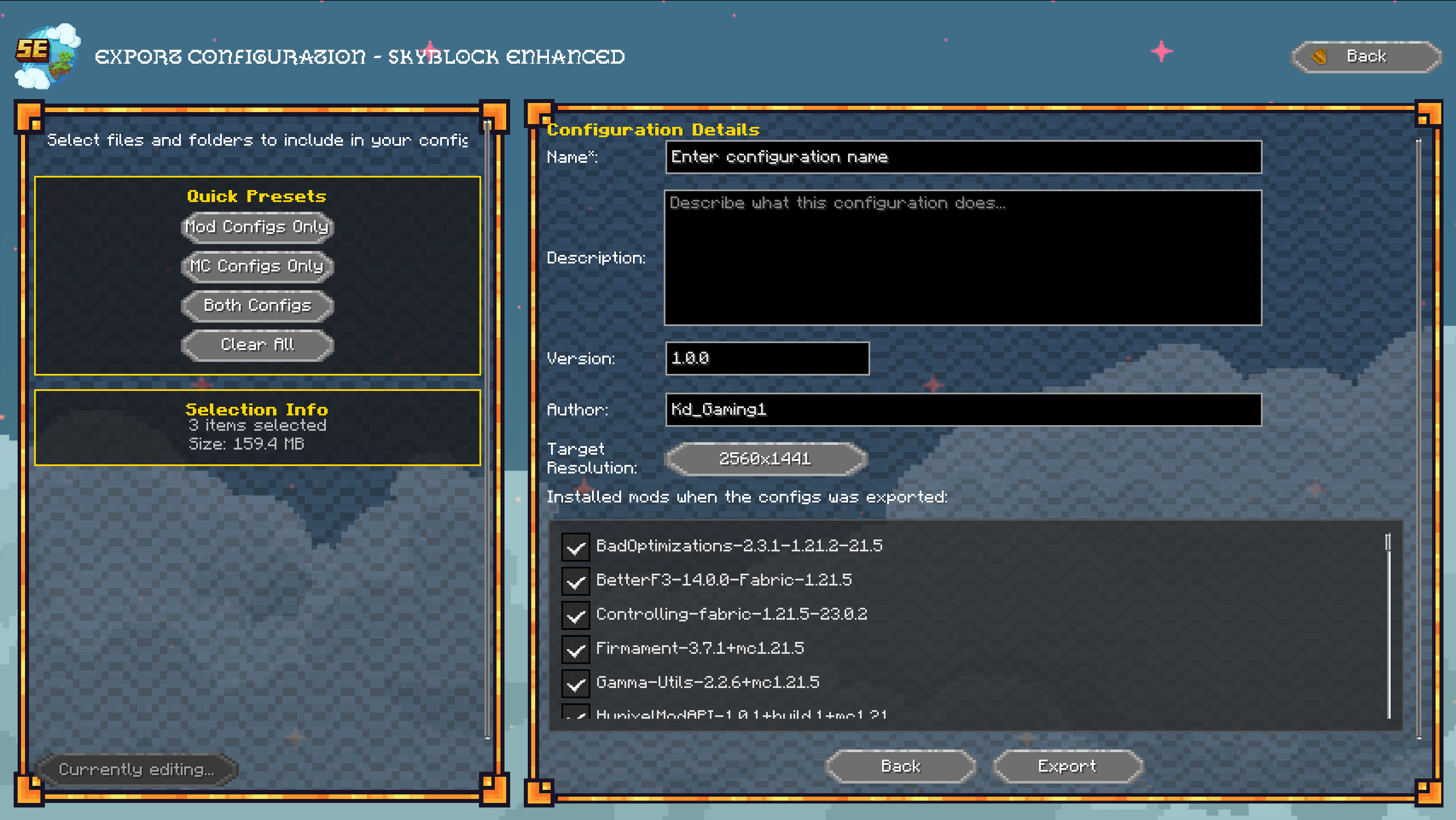
- **Configuration Manager** – Export, import, and back up your configs directly from the in-game UI. Easily apply your exported and imported configs and quickly switch between them
- **Config Metadata System** – View detailed information about any config, including name, description, version, resolution, and installed mods. This info is saved with exported configs and can be viewed when importing
<details>
<summary>Show Case</summary>




</details>
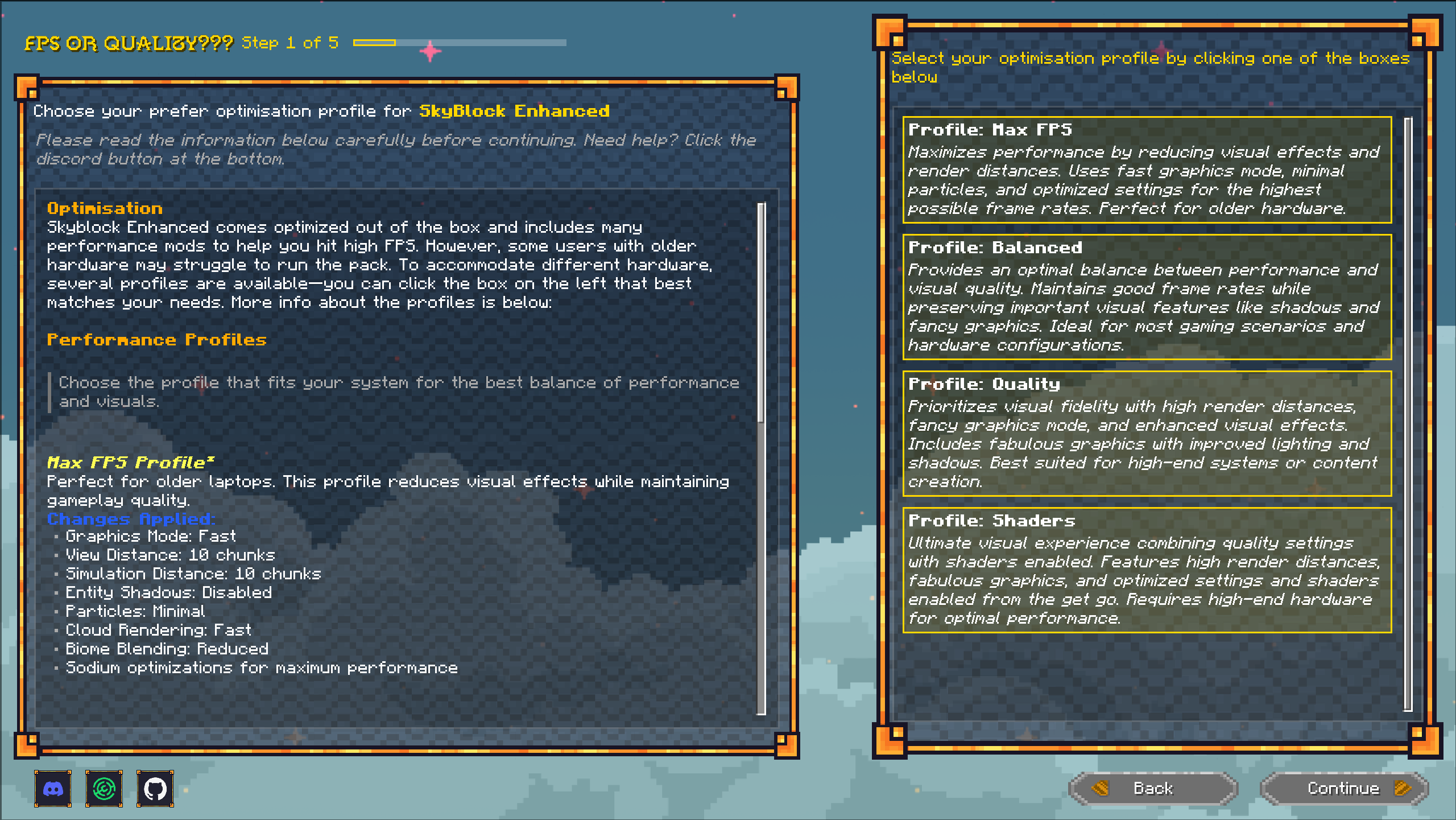
- **Enhanced Welcome Wizard** – Redesigned first-launch setup with performance profiles, resource pack selection, and more. Since everyone needs a slightly different setup, you can choose between performance profiles:
- **Performance**: Lowers render distance and visual quality for maximum FPS on low-end PCs
- **Balanced**: Keeps things close to vanilla and the out-of-the-box settings—recommended for most players
- **Quality**: Boosts render distance and sets visual sliders to the max for high-end systems
- **Shaders**: For people who want everything to look extra nice *(Warning: Shaders break certain in-world overlay features in some mods)*
You also get to choose between a large selection of resource packs: Looshy, Defrosted, Furfsky Reborn, Hypixel Plus, and Skyblock Dark UI.
And lastly, you can select between Skyblocker's fancy tab list or SkyHanni's compact tab list.
<details>
<summary>Show case</summary>

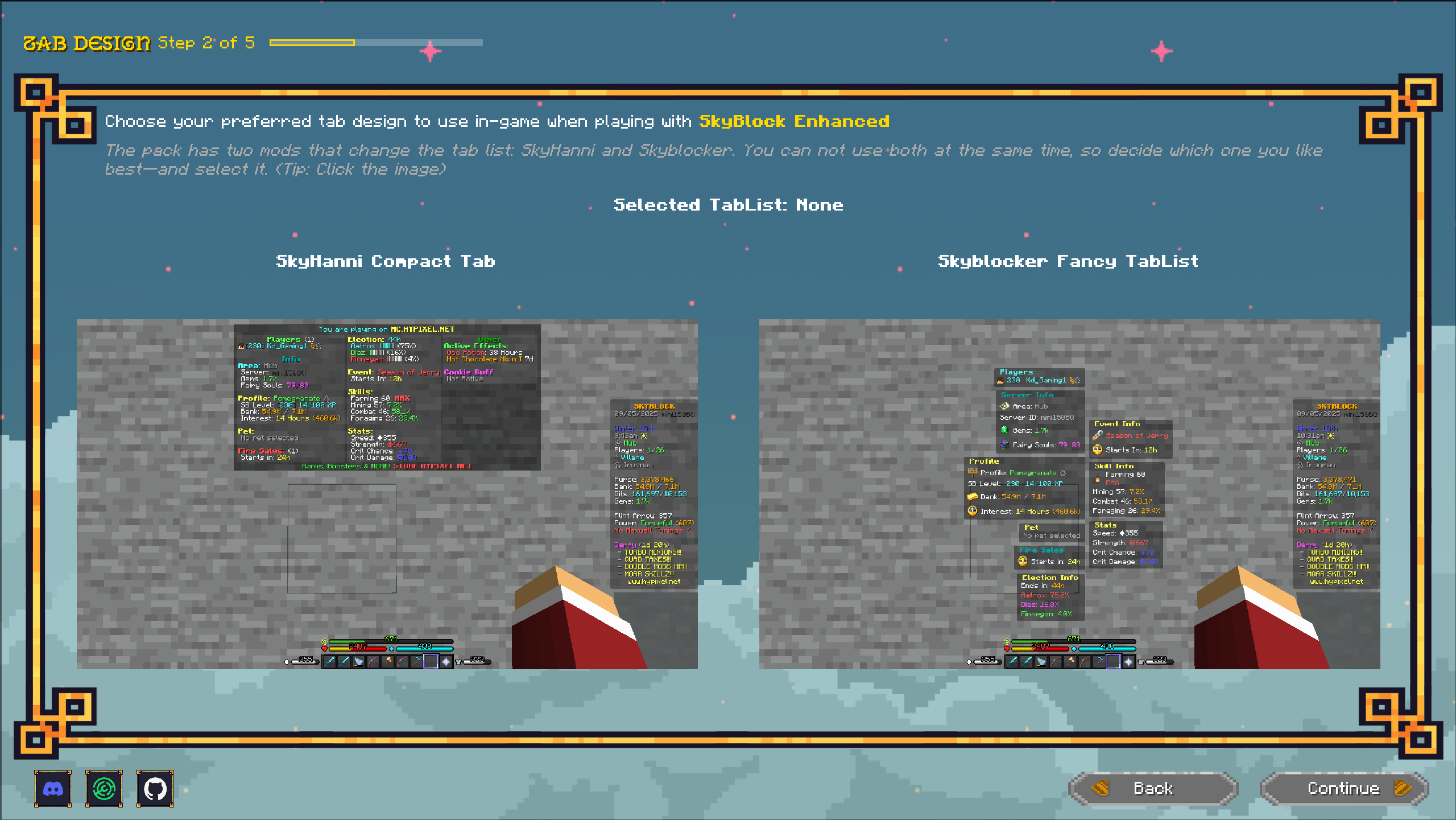

~~~~
</details>
- **Custom Main Menu** – Brand new SkyBlock-themed main menu for an immersive experience
<details>
<summary>Show Case</summary>
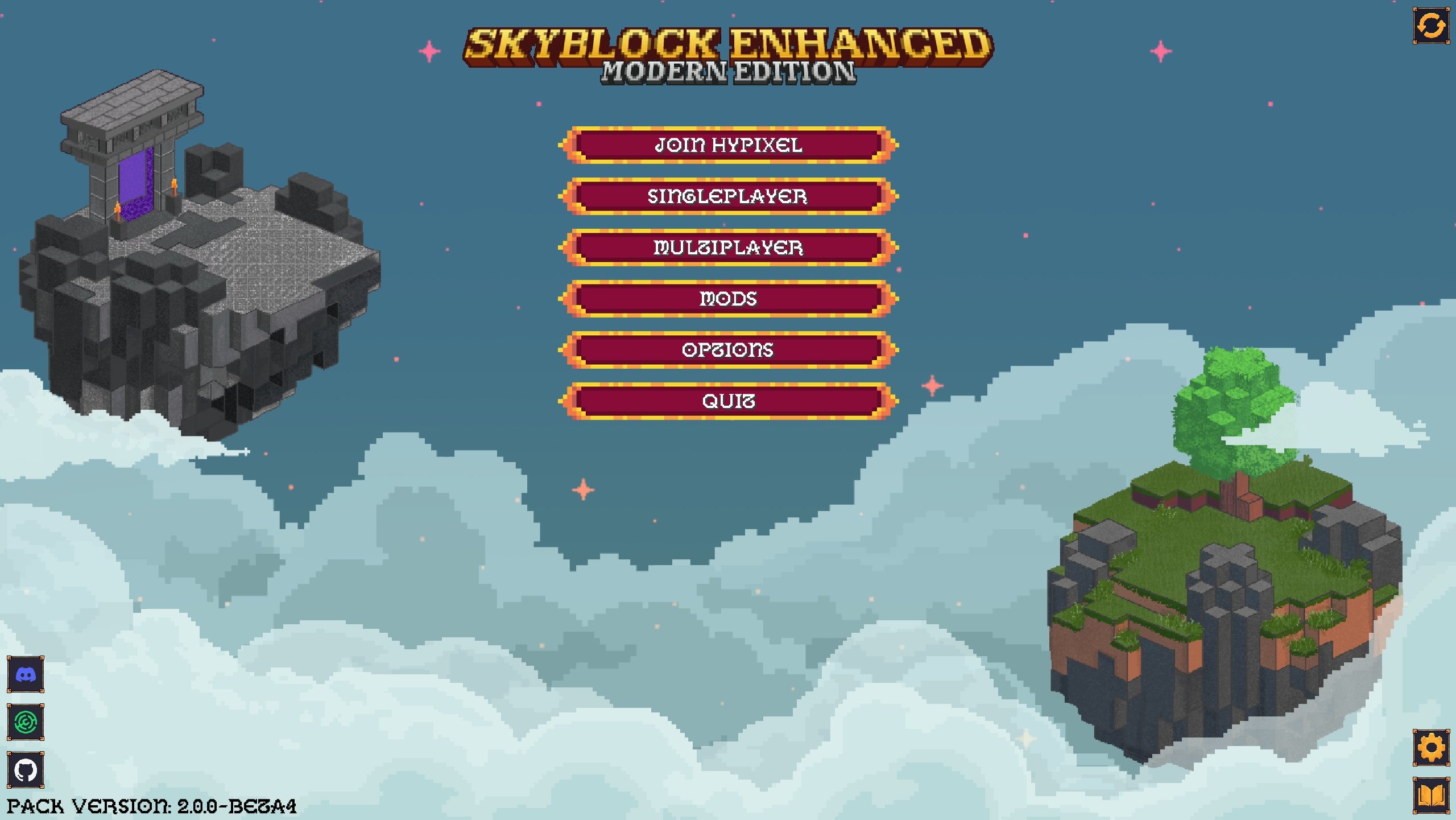
</details>
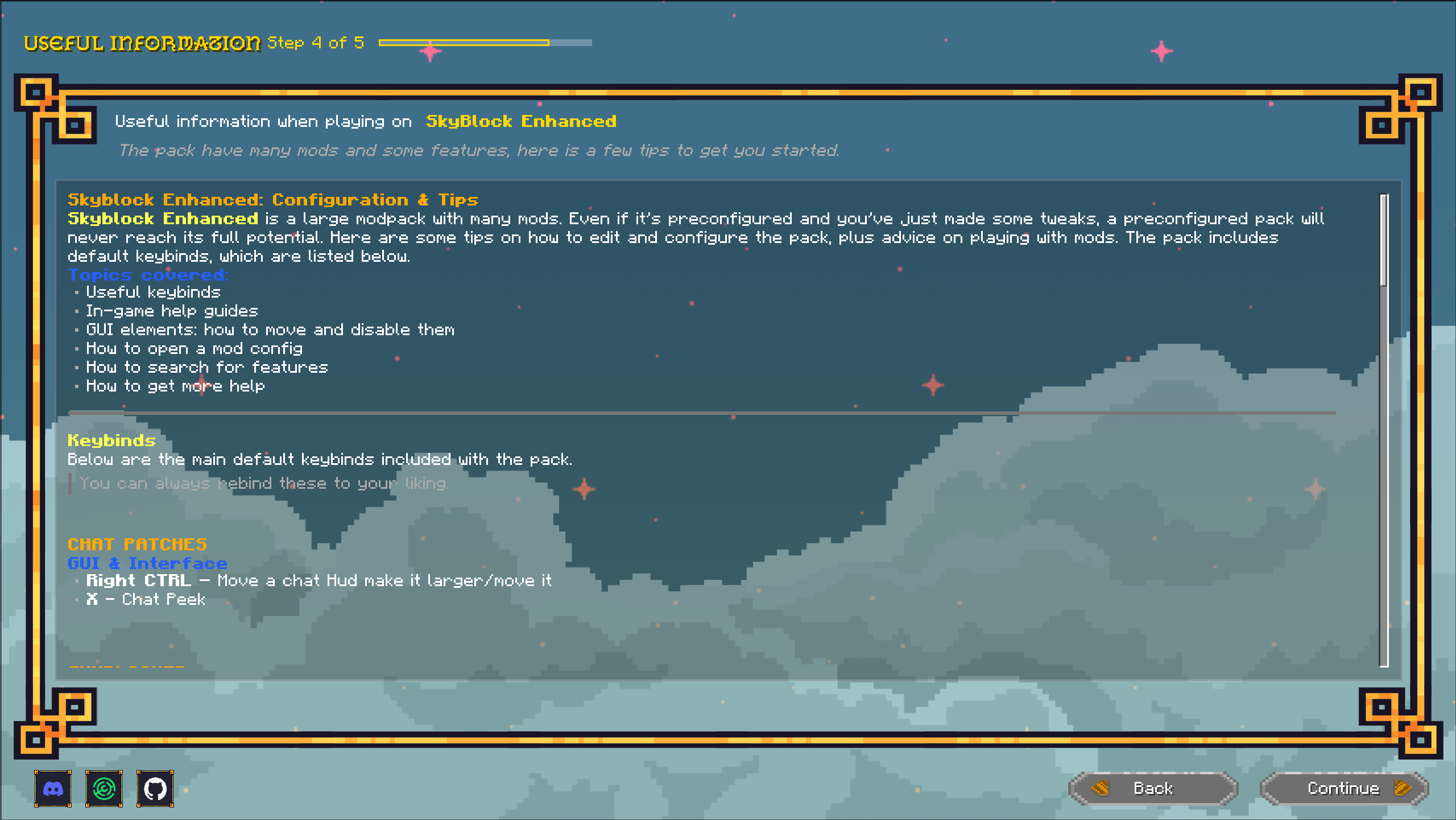
- **In-Game Guide System** – Access helpful guides and tutorials directly from the game menu
---
## 🔄 Mod Changes
### Added Mods
- **Krypton** – Network stack optimization for better multiplayer performance
- **Lazy Language Loader** – Faster game loading by optimizing language file loading
- **Controlling** – Search and manage keybinds more easily
- **Zen Mod** – QoL features for SkyBlock
- **Emoji Type** – Use emojis in Minecraft chat
- **Chat Plus** – Improved chat functionality (replaces Chat Patches)
- **Tooltip Scroll** – Scroll through long tooltips (replaces Scrollable Tooltips)
### Removed Mods
- Chat Patches (replaced by Chat Plus)
- Scrollable Tooltips (replaced by Tooltip Scroll)
- Skyblock Addons
---
## ✨ Improvements & Fixes
- **Added 1.21.8 version** of the pack, bringing better performance and stability for some users
- **Major improvements to the default configs:**
- 1080p now uses GUI scale 2, 1440p uses GUI scale 3, and 4K uses GUI scale 4—making each resolution look neat and clean
- All GUI overlays have been fixed and updated to better locations
- Default features in each mod have been adjusted to make the game easier to play with fewer conflicting configs enabled
- You can now just install and play without spending hours tweaking settings!
- Enhanced first-time user experience
- Streamlined config management workflow
- Various minor bug fixes and optimizations
---
**Need Help?** Join our [Discord server](https://discord.gg/pdwxyjTta7) for support and updates.
Developer information
Projects on Modrinth are automatically available through a Maven repository for use with JVM build tools such as Gradle.
maven { name = "Modrinth"; url = "https://api.modrinth.com/maven" }

